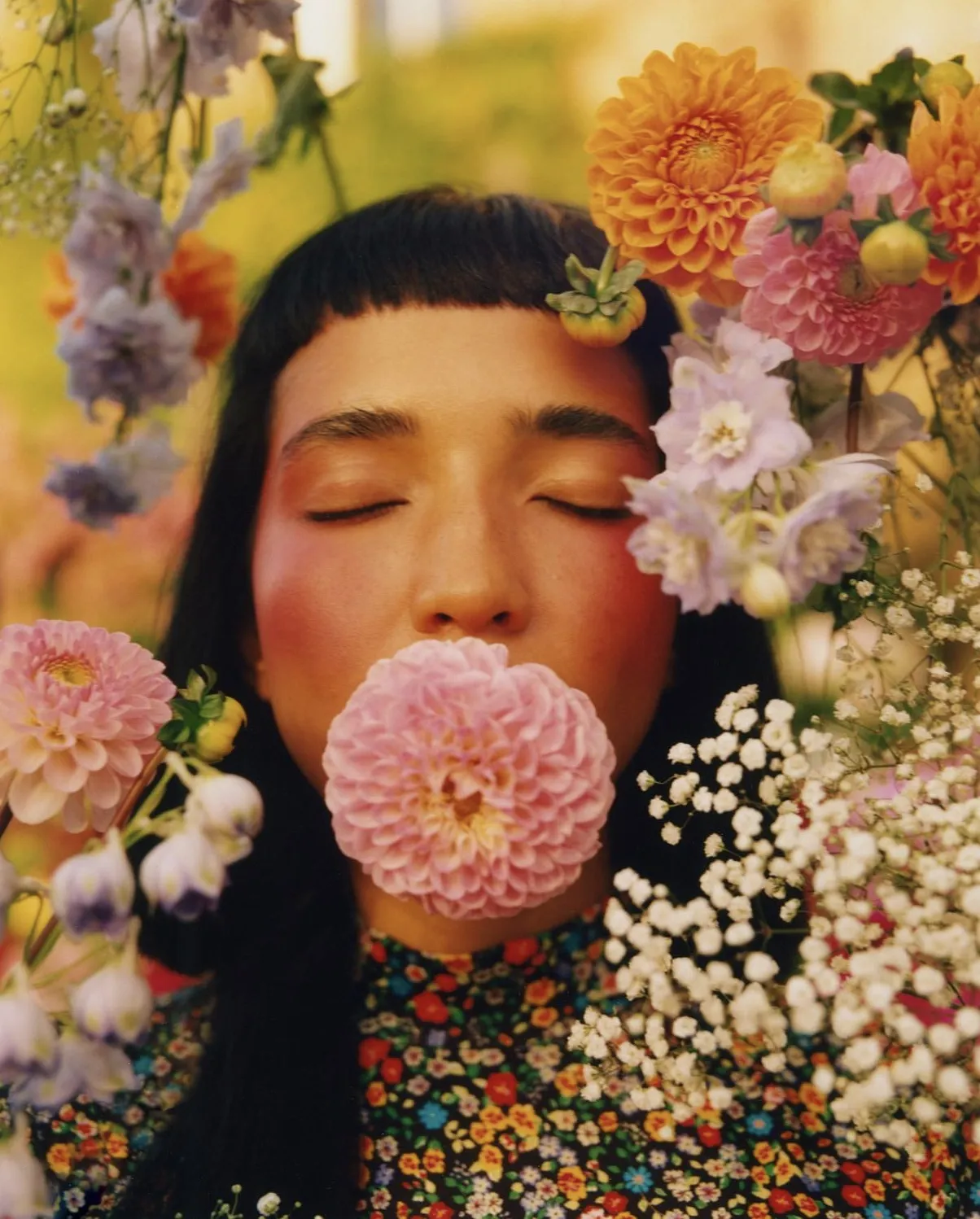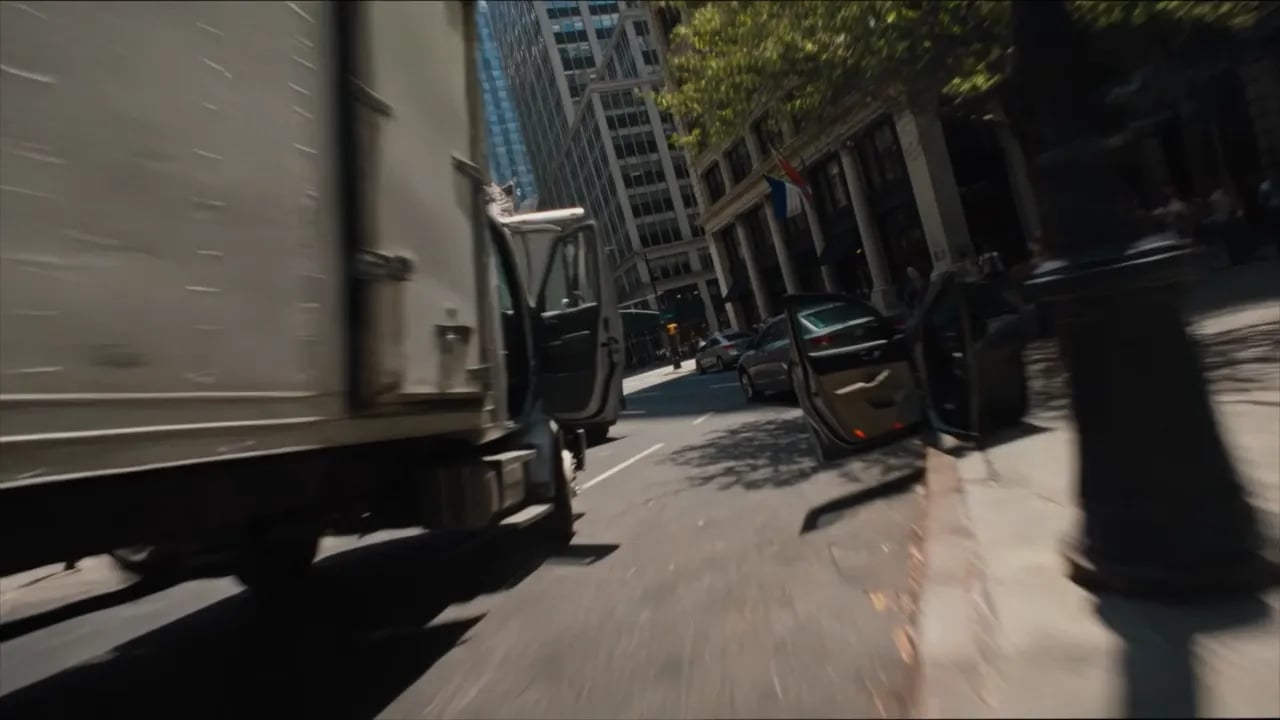
Grok Imagine 1.5 generated video preview

IntroducingGrok Imagine 1.5

Turns a single image into fluid motion - camera moves, atmosphere and physics, faithful to your source frame.

Start CreatingStart Creating

TURN ANY PHOTO INTO VIDEO

UPLOAD A FRAME, DESCRIBE THE MOTION

Give it a starting frame and a prompt describing the motion. It animates the scene - camera moves, atmosphere, and physics.

UPLOAD A FRAME, DESCRIBE THE MOTION

KEEPS YOUR ORIGINAL INTACT

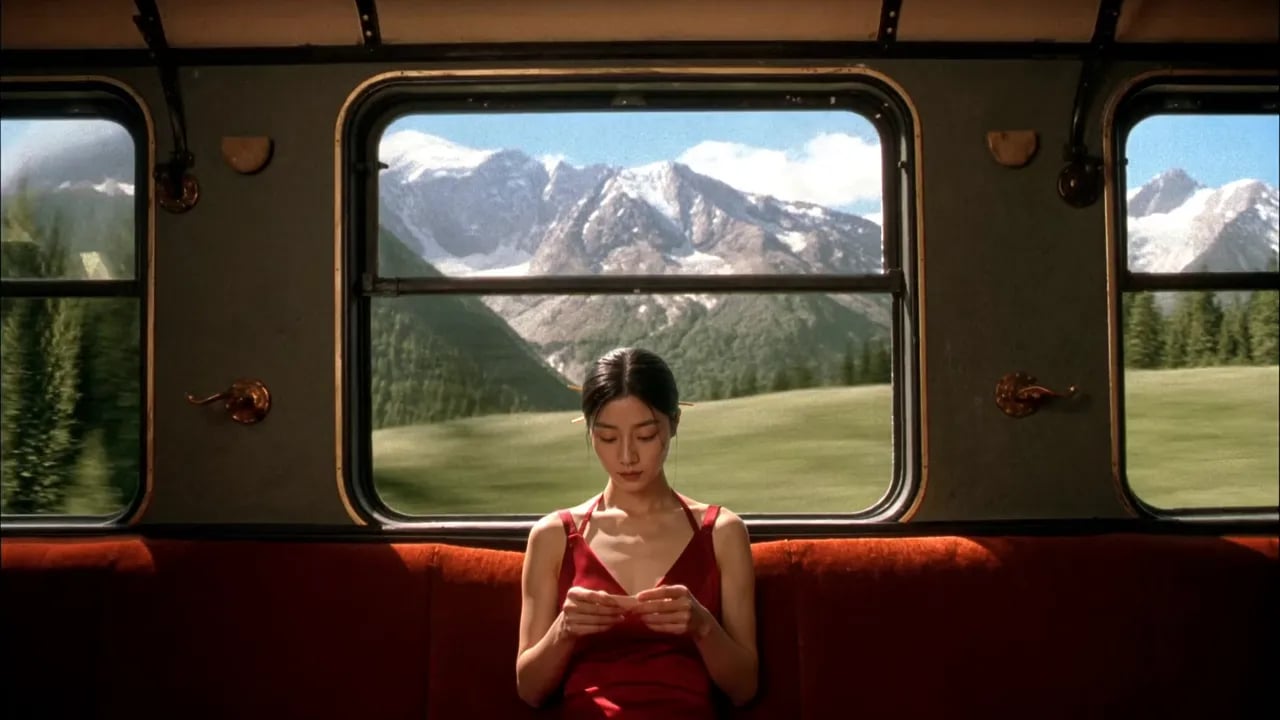
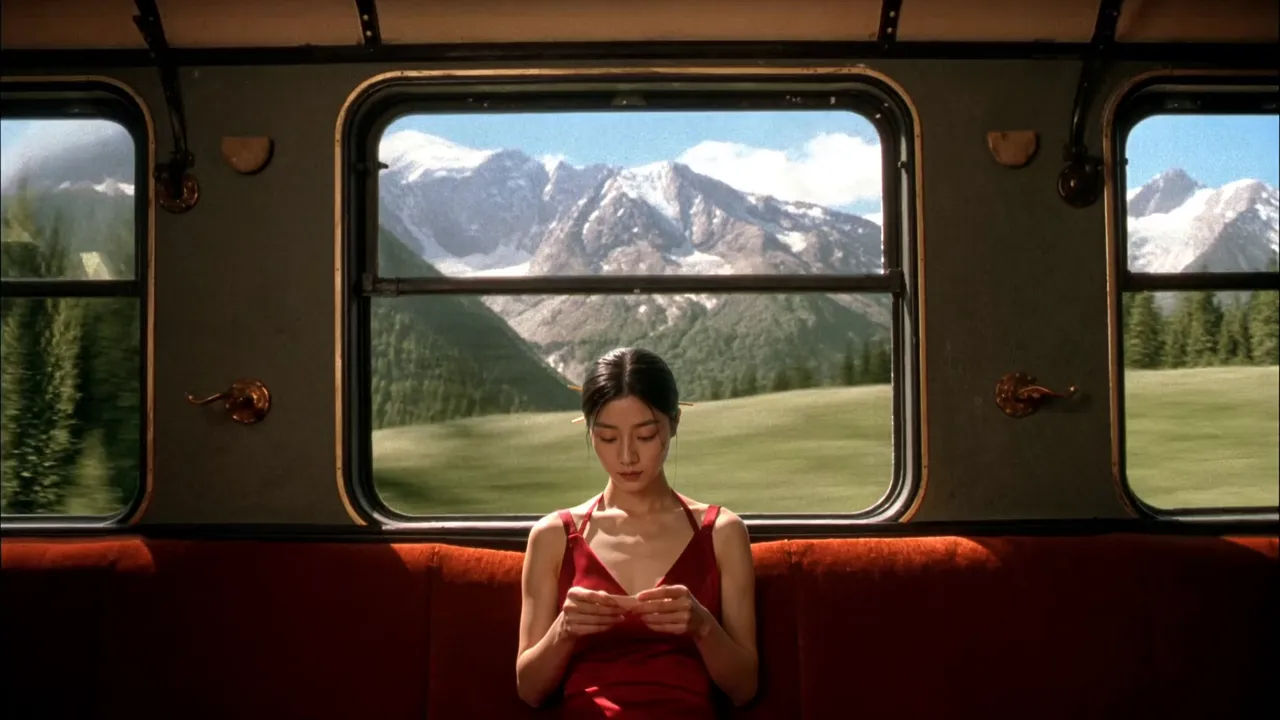
The model holds detail and lighting from the input frame - so the result continues the original rather than reinterpreting it.
KEEPS YOUR ORIGINAL INTACT

JOIN CLIPS INTO ONE STORY

Stage each frame, animate it, and chain the shots into longer scenes that keep a consistent look across a project.

Start NowStart Now
JOIN CLIPS INTO ONE STORY
Loading the media file...Media fallback

Generate using the most advanced model
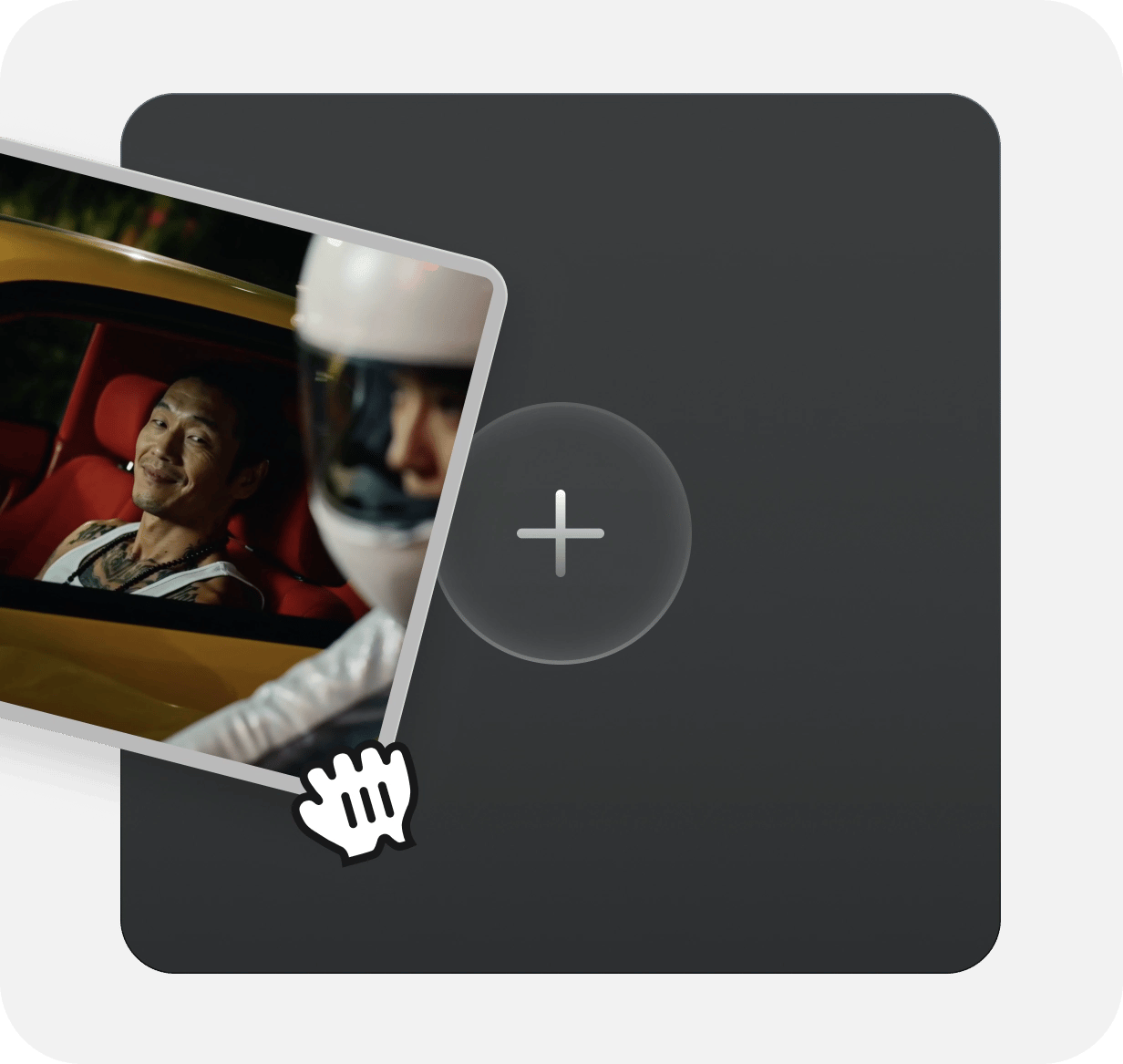
  1. Upload Image: Add an optional image to guide the look, character, or environment.
    Upload Image

    Step 1

    Upload Image

    Add an optional image to guide the look, character, or environment.

  2. Write Your Prompt: Type a prompt. Model understands the physics, lighting, and emotional intent of your scene
    Write Your Prompt

    Step 2

    Write Your Prompt

    Type a prompt. Model understands the physics, lighting, and emotional intent of your scene
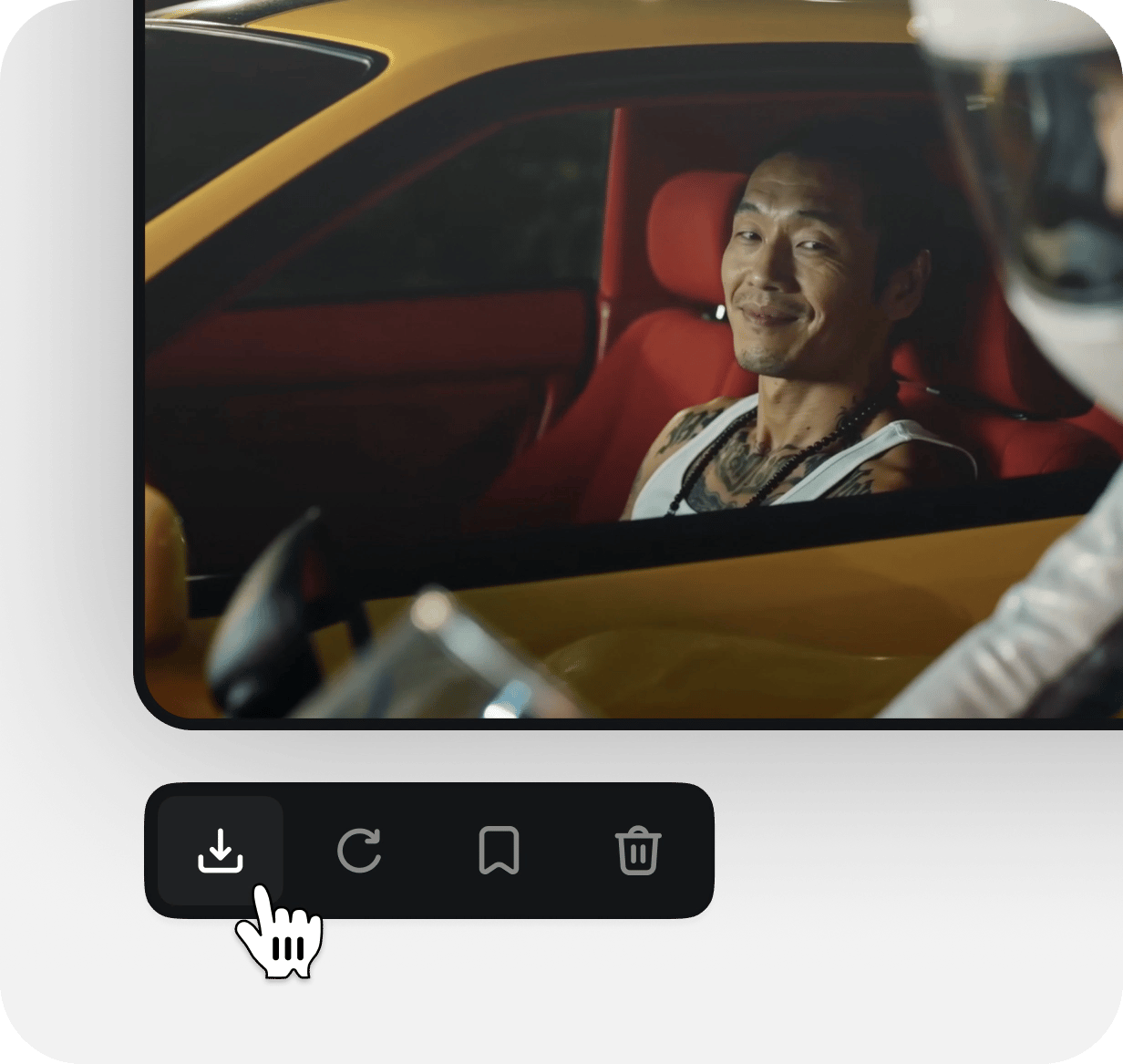
  3. Generate & export: Click to generate your final output and download production grade image.
    Generate & export

    Step 3

    Generate & export

    Click to generate your final output and download production grade image.

What Creators Are Saying

From first projects to everyday creative work, these highlights from Higgsfield Ai Free creator reviews explore the tools, workflows and support that made a difference.

A
Alexandre

Strong creative tools and satisfying results stand out to Alexandre. But a question about credits made the biggest impression: Tim answered with clarity and care, turning a support request into a particularly positive experience.

S
Spock

Spock's first projects have already led to videos they are excited about. Helpful support rounds out that early experience, with more platform improvements something to look forward to.

R
Rha

After editing since 2008, Rha still finds the leap from a written prompt to cinematic video remarkable. The range of tools can feel like a lot to take in, but it also opens up plenty to explore.

AS
Akun Suliman

For Indonesian creator Akun Suliman, practical help with making content is what matters. Useful creative tools and encouragement from the team have made a real difference to the experience.

SJ
Shatanu Jachak

Shatanu Jachak appreciates a creative workflow that feels smooth and fast while delivering quality results. Support for the creative community and room to experiment make visual storytelling especially rewarding.

FM
Freissy Mediaart

An approachable interface, clearly organized tools and fast cloud rendering stand out to Freissy Mediaart. Across numerous image and video projects, the creator reports being pleased with the results.

LE
Ls estúdios

Regular improvements give Ls estúdios a reason to keep exploring. Useful tools and new features build on an experience the creator already enjoys, with a clear focus on helping creative work.

RR
Rian Rizky Ananta

Rian Rizky Ananta values competitive credit pricing alongside a steady flow of new features. Just as important is the impression of a team that listens and keeps moving the product forward.

DD
Deyo D

Deyo D puts creator-program support at the center of the experience. Professional, approachable help with questions makes the team feel invested in creators and their progress.
Trusted by 5.000+ people worldwide

Still have questions?

We’ve answered the most frequently asked questions

What is Grok Imagine 1.5?
It's xAI's image-to-video preview model - and it's available to run right here. You give it one starting image plus a prompt, and it animates that exact frame into cinematic video: camera moves, atmosphere, physics, and sound direction, all while keeping the look and lighting of your original.
How do I use it here?
Upload one source image as your start frame, write a prompt describing the motion, pick your settings, and generate - no API keys or code needed. We handle the model; you just bring the frame and the idea.
What do I need to get started?
Just two things: a single starting image and a prompt describing how it should move. Drop in your frame, describe the shot, and generate.
How should I write a prompt for the best result?
Describe what moves and how - the camera move, the pacing, the atmosphere, and the sound you want. Be specific about direction ("slow push-in," "pan left," "embers drifting") rather than just naming objects. The clearer the motion, the closer the result.
When should I keep a prompt short?
When you want the model to fill in natural motion and you're exploring quickly. Less direction gives it more room to interpret - good for fast tests and simple animations.
When should I use a detailed prompt?
When you have a specific shot in mind. Spell out the camera move, timing, and mood together - for example: "Slow cinematic push-in as embers drift across the scene and the fabric stirs in the wind." More detail means more control.
How do I get clear subject motion?
Anchor the prompt to what should move and in what direction. Name the subject's action explicitly instead of leaving it implied, so the model knows what to animate and what to hold steady.
What if I don't specify every detail?
The model fills in the rest from your frame and prompt. It keeps the detail and lighting of your input, so even a light prompt stays faithful to your original - you just hand over more of the creative choices.
What settings can I choose?
Resolution at 480p or 720p, and clip length anywhere from 2 to 15 seconds. Set them per generation to match where you're publishing.
Can I make longer scenes?
Yes. Generate each shot, then chain them into longer sequences that keep a consistent look across the whole project.